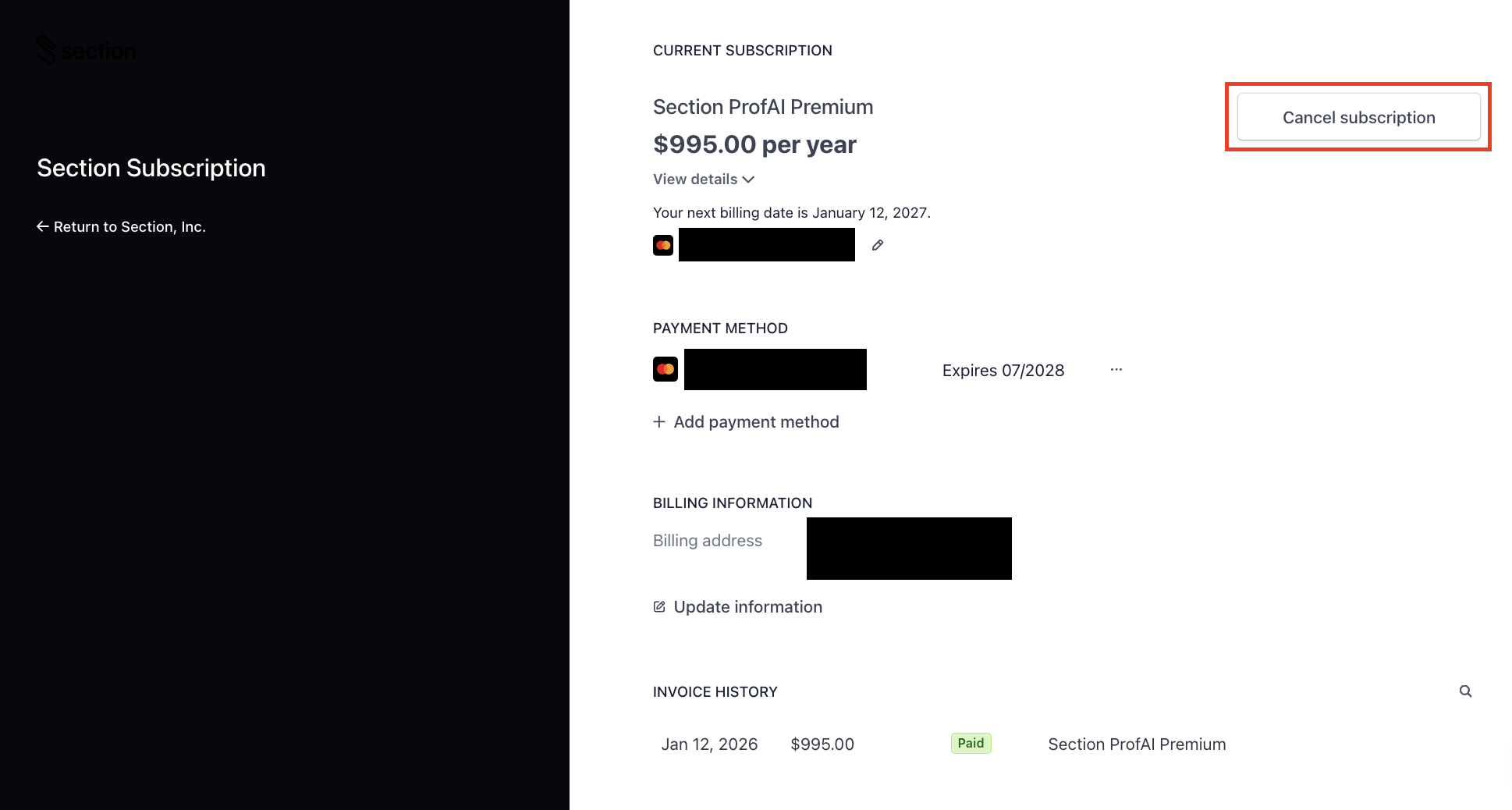
Log in to your Section account and click the profile icon in the top right corner and select the Manage Billing option. On the Stripe page, click the Cancel Subscription button in the top right corner.
If you cancel your membership, you will continue to have access to your account until the end of your paid subscription period.
If you have any further questions or are seeking a refund for a recent renewal charge, please Section Support for assistance.